Check three details on the App Store product page
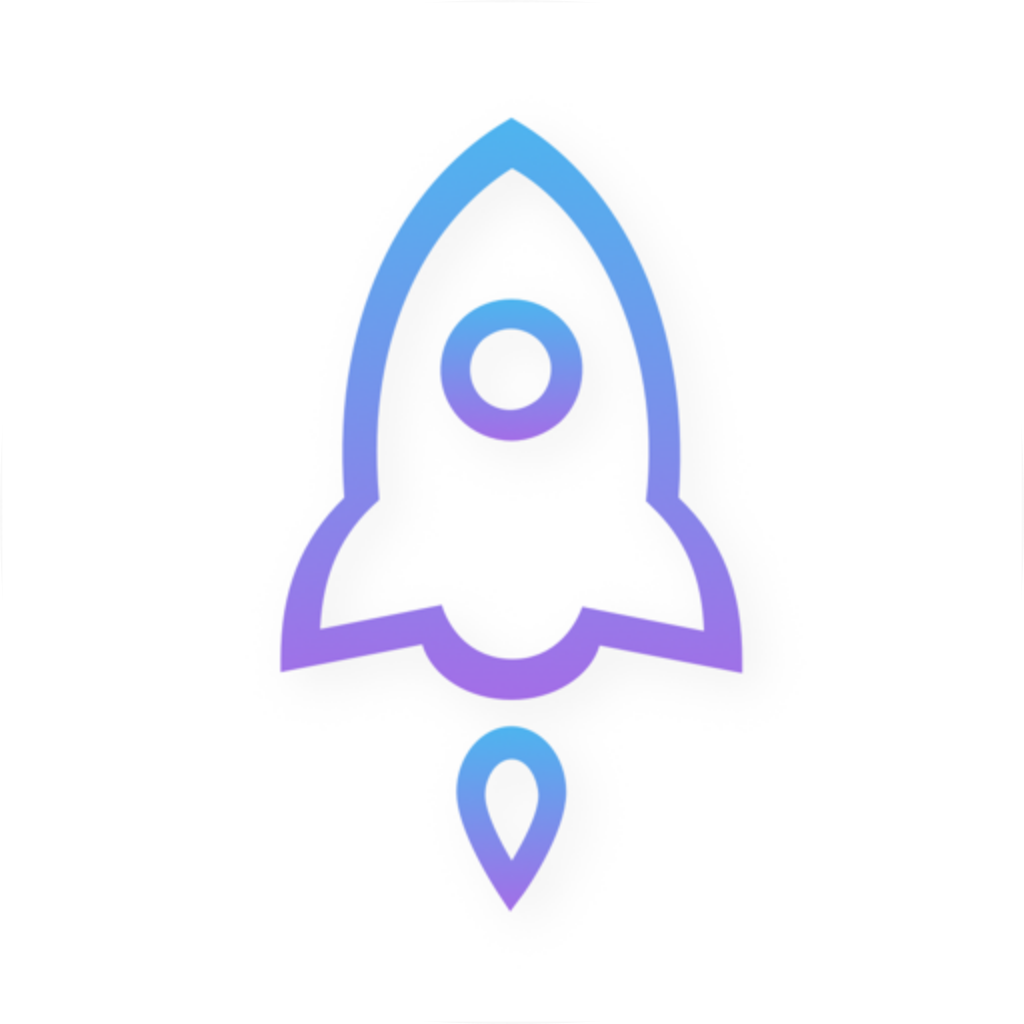
Open the App Store product page from the iPhone / iPad option on the Getting the App page. First confirm the developer is Shadow Launch Technology Limited. Then compare the white background and blue-purple outline with the official icon on this page. Finally, check that the product page link contains id932747118. When names and icons look similar, the app ID helps distinguish listings. If a search result does not match these details, return to the product page and verify it rather than relying on search ranking or name alone.
Check the account's storefront before checking availability
The App Store displays products based on the region associated with the purchasing account; the app is not listed in the mainland China storefront. If you cannot find it in search, open Settings, go to Media & Purchases for your Apple Account, and check the account's country or region. The device language and your current location do not replace this check. If you plan to change the account region, first check that your balance, active subscriptions, and payment method meet the system requirements. If you only need to restore a purchase, first check the original purchasing account and purchase history.
After switching devices, restore the app and then check the configuration
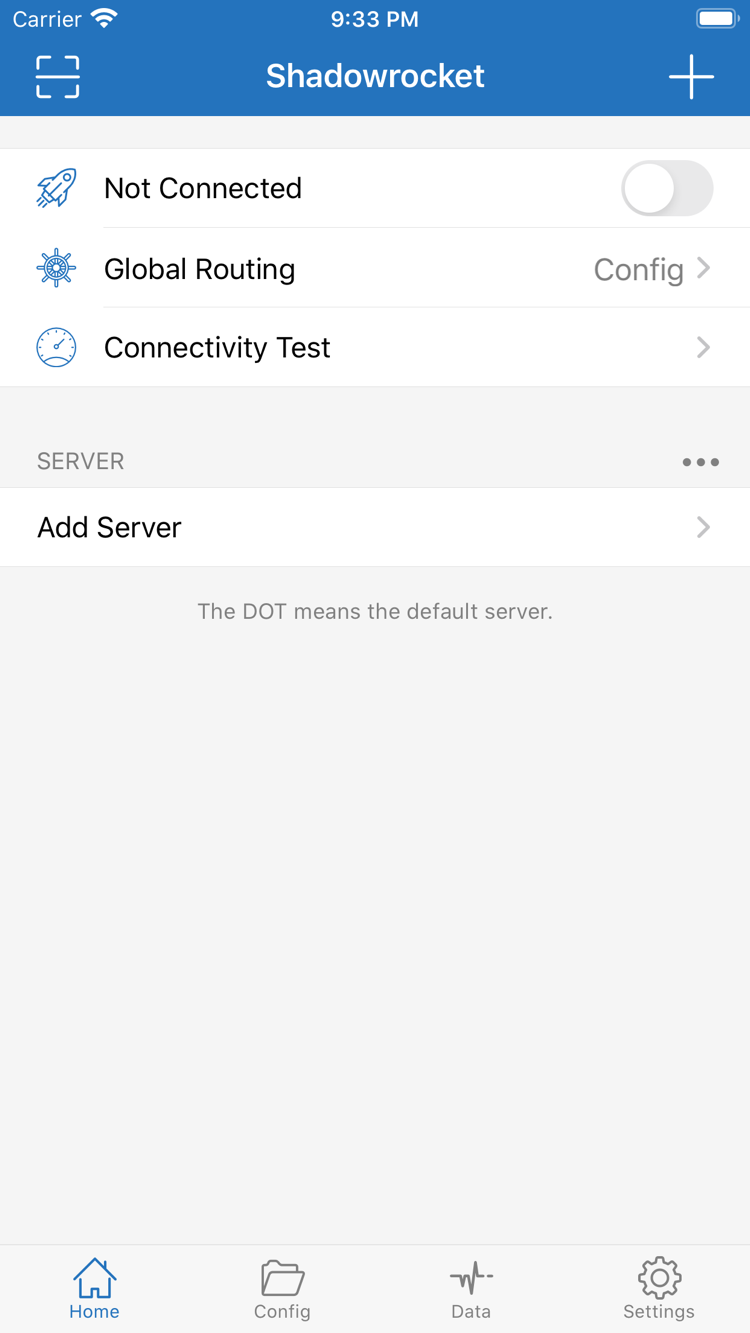
iPhone and iPad use the same one-time purchase under the same purchasing account. When switching devices or reinstalling, sign in to the original purchasing account, open App Store purchases, find Shadowrocket, and download it again. If the purchase does not appear, first confirm which account is used for Media & Purchases, then check availability in the current storefront. Restoring the app does not restore the server list. If the old device is still usable, note the current configuration and groups first. After installing on the new device, check the required files and entries one by one.
App pricing and connection services are separate
iPhone / iPad: a one-time $2.99 purchase in the US App Store; prices in other storefronts are shown on their product pages. Mac (Apple Silicon and Intel), Windows, Android, and Linux versions are free. Shadowrocket is a closed-source commercial app. A one-time app purchase is not a connection plan. This site provides app downloads and the official guide; it does not provide, sell, or recommend servers or subscriptions. Use your existing server details to configure a connection, and get subscription links from your service provider.
Use the relevant platform's download channel for updates
Check for updates in the App Store on iPhone / iPad. For Mac, Windows, Android, and Linux, get the corresponding installer again from this site's download page; files are provided through /dl/. Before updating, note the currently active configuration and keep a recoverable copy if needed. After updating, open the configuration and server you used before and test the connection. If behavior changes, check the current selections and system permissions before editing routing rules.